


 Featured · Editing
Journal · video, editing, storytelling
Behindthe images.
The blog of MoBen, a freelance video creator in Morocco: practical methods on video production, editing, storytelling and short-form video (Reels, TikTok, Shorts) for brands and businesses.
MoBenFreelance video creator
Featured · Editing
MoBen Stories · My personal page
My personal notebook, cut like a film.





MoBen Stories · The series
5 Takes
My reel series about actors: one actor, one piece of news, five roles.
See the series
54 articles
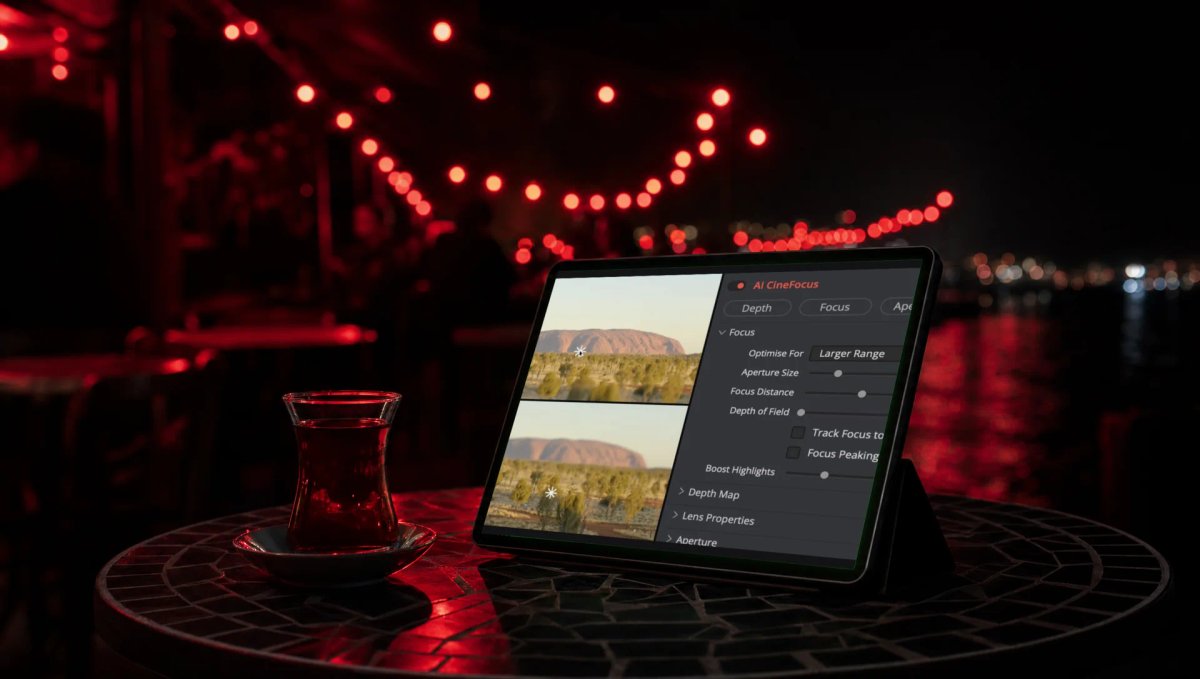
Blur a video background after the shoot with CineFocus
AI CineFocus in DaVinci Resolve Studio 21 blurs the background of footage you already shot using a depth map, and can animate focus from one subject to another. The full walkthrough, every setting, my starting points, the limits and the alternatives.
Read
DaVinci Resolve 21: rescue a blurry shot with AI Motion Deblur
AI Motion Deblur in DaVinci Resolve Studio 21 renders a sharper new version of a shot blurred by movement, without touching the original. The exact menu path, every setting, how to test on a few seconds first, and what the tool cannot save.
Read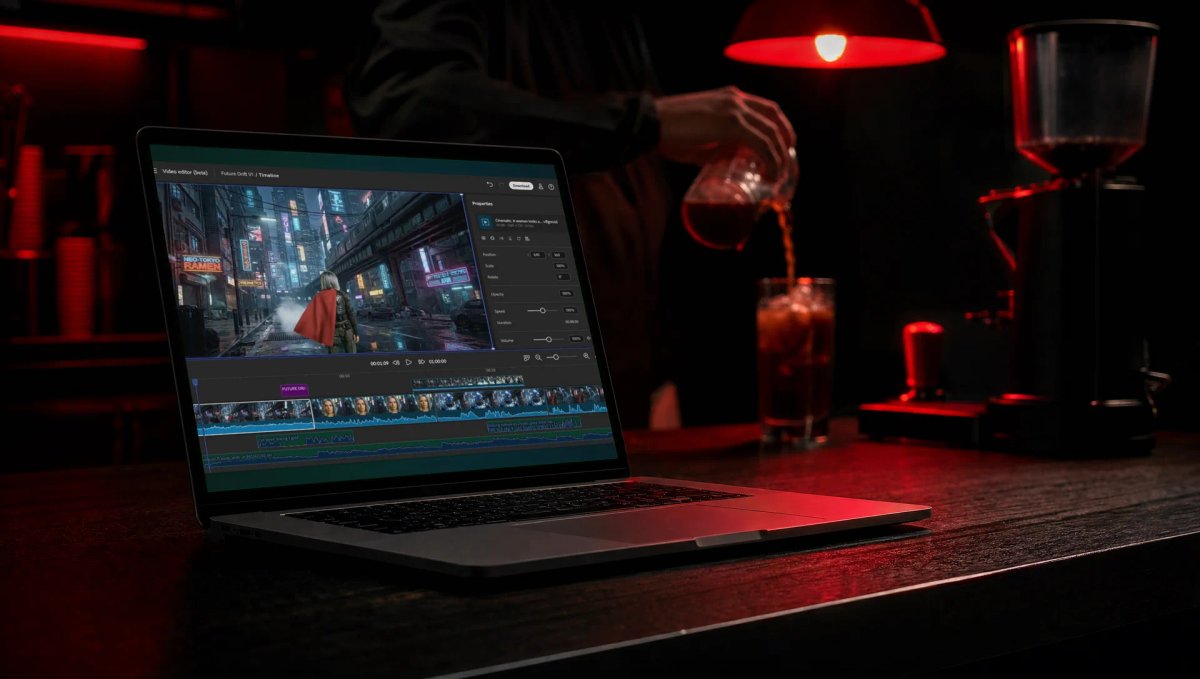
Missed a shot on set? Generate it with Firefly inside your edit
The Firefly video editor (Video, then Edit multi-track video) generates a shot from a text prompt and places it next to your footage. Here are the exact steps, the settings, the credit cost, 21 prompts ready to copy and how to make the shot match.
Read
Google Stitch: design a website mockup from a single prompt
Google Stitch, from Google Labs, turns a prompt into a website or app mockup, with variations, a clickable prototype and export to Figma or HTML. Here is the full how-to, 24 ready-to-copy prompts and what is left to do before you publish.
Read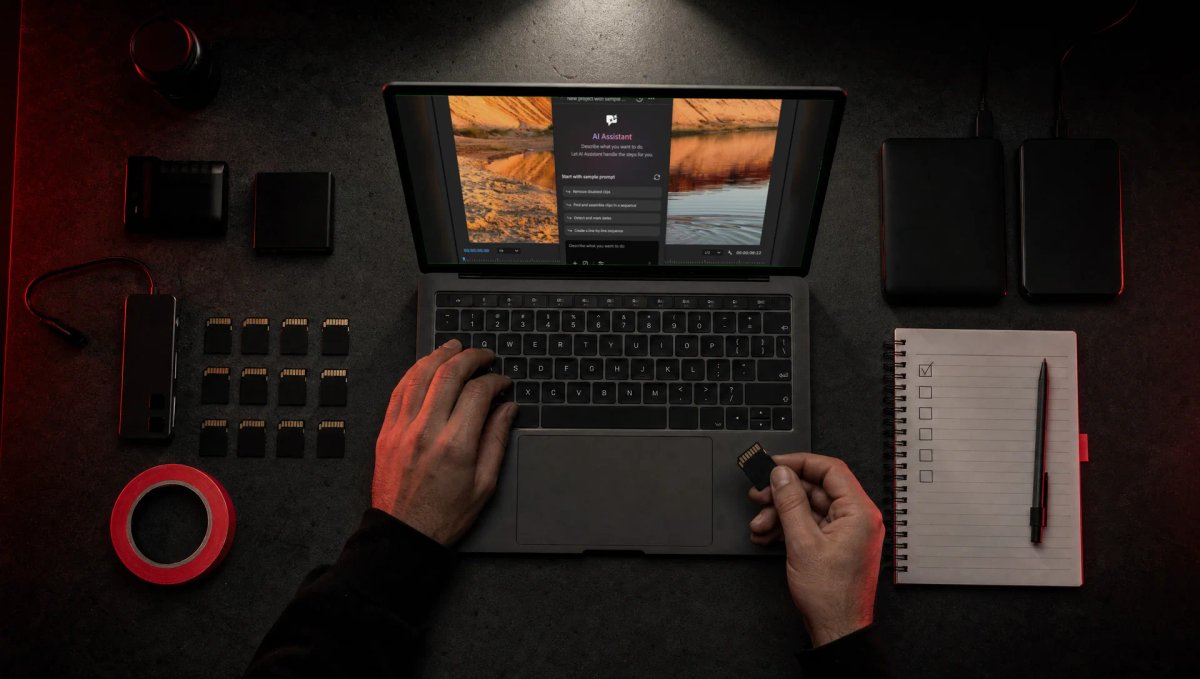
Premiere AI Assistant: sort your footage, how-to and 22 prompts
Adobe Premiere’s AI Assistant, still in beta, carries out written requests: bins, clip names, transcripts, selects and an editable first cut. Here is where to find it, how Firefly credits work and 22 prompts ready to copy.
Read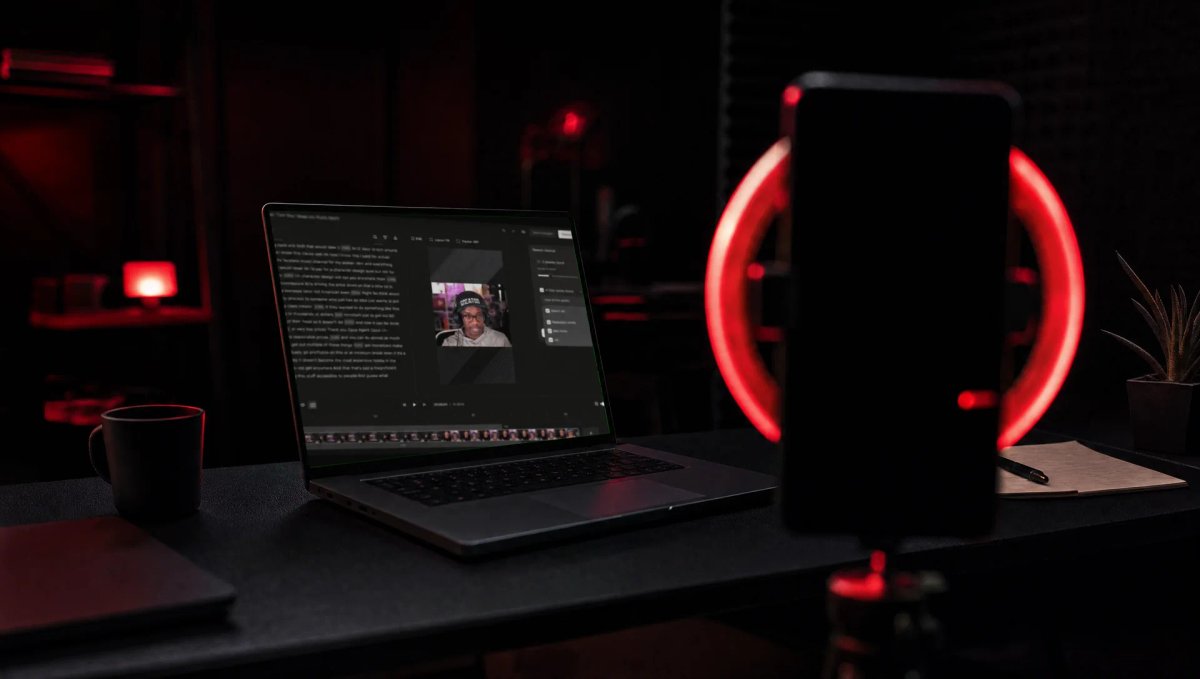
OpusClip 4.0: edit a talking-head video with Auto-edit and Recipes
OpusClip 4.0 edits a whole talking-head video: cuts, captions, B-roll and motion graphics, with Recipes to reuse your settings. The full how-to, pricing, what to review and why Darija is a problem.
Read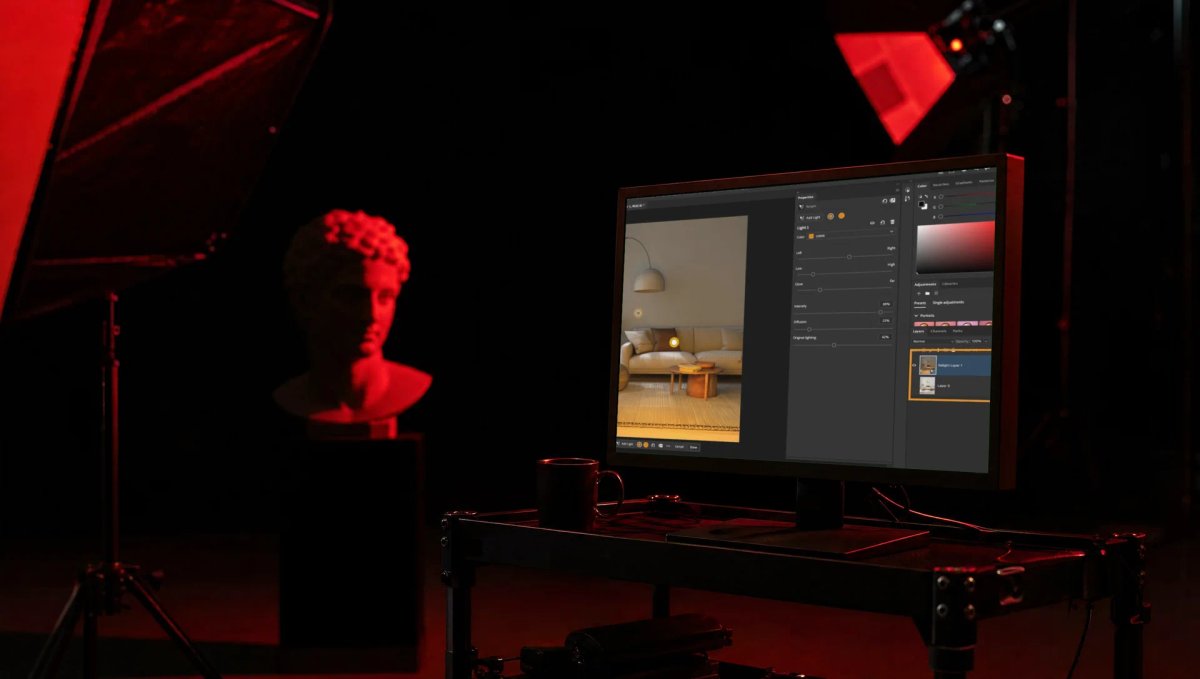
Photoshop Relight: change the lighting of a photo after the shoot
Since Photoshop 28.0, Relight adds up to three lights to a photo you already took, with adjustable position, color, intensity and diffusion. Here is the full walkthrough, eight ready-to-use lighting recipes, the limits and the alternatives.
Read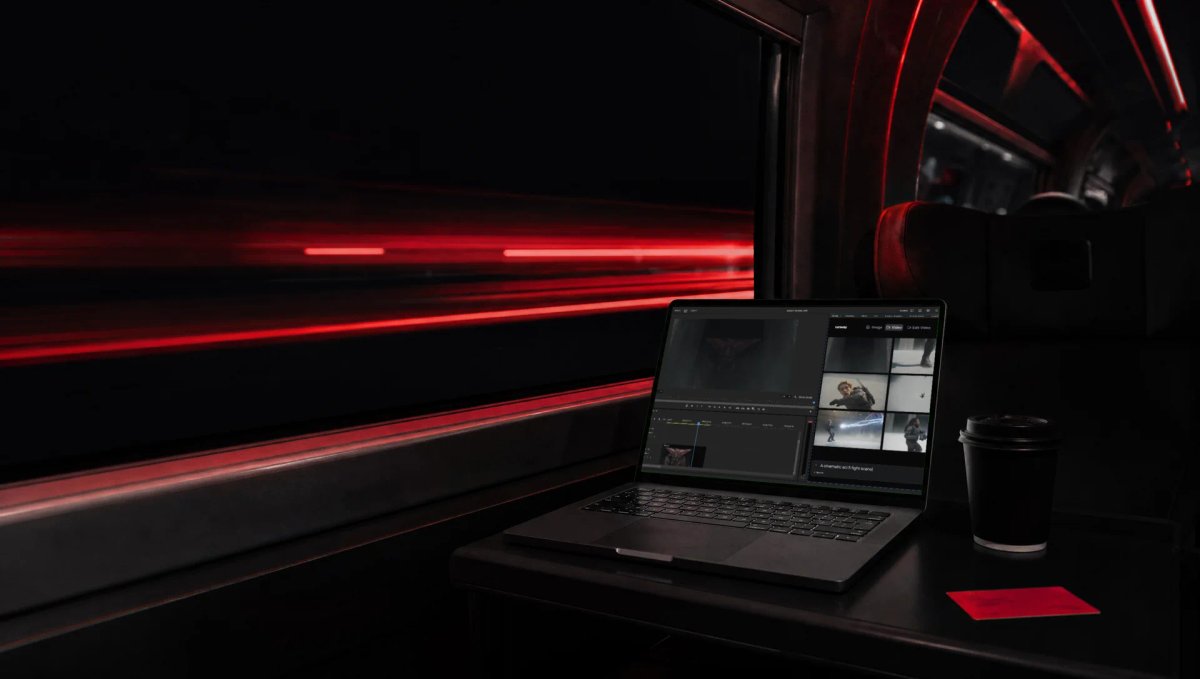
Runway plugin in Premiere and After Effects: install, use and prompts
Runway’s free plugin adds a panel to Premiere and After Effects to generate images, video and B-roll, or edit a shot with Aleph 2.0, then import the result in one click. Install steps, settings, credits, limits and 28 prompts.
Read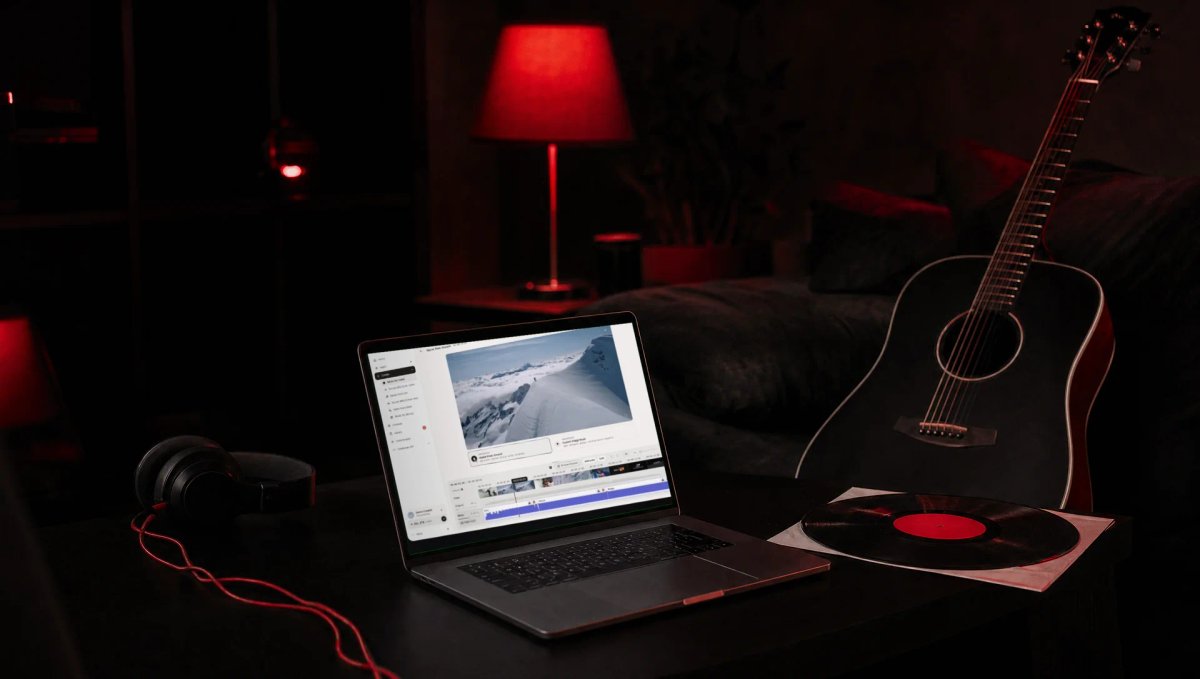
Sonilo: music created from your edit, no prompt needed
Sonilo analyses your edit (cuts, pace, motion, final frame) and generates original music at the right length, with no prompt required. The full how-to, the plans, the rights for client work and the alternatives.
Read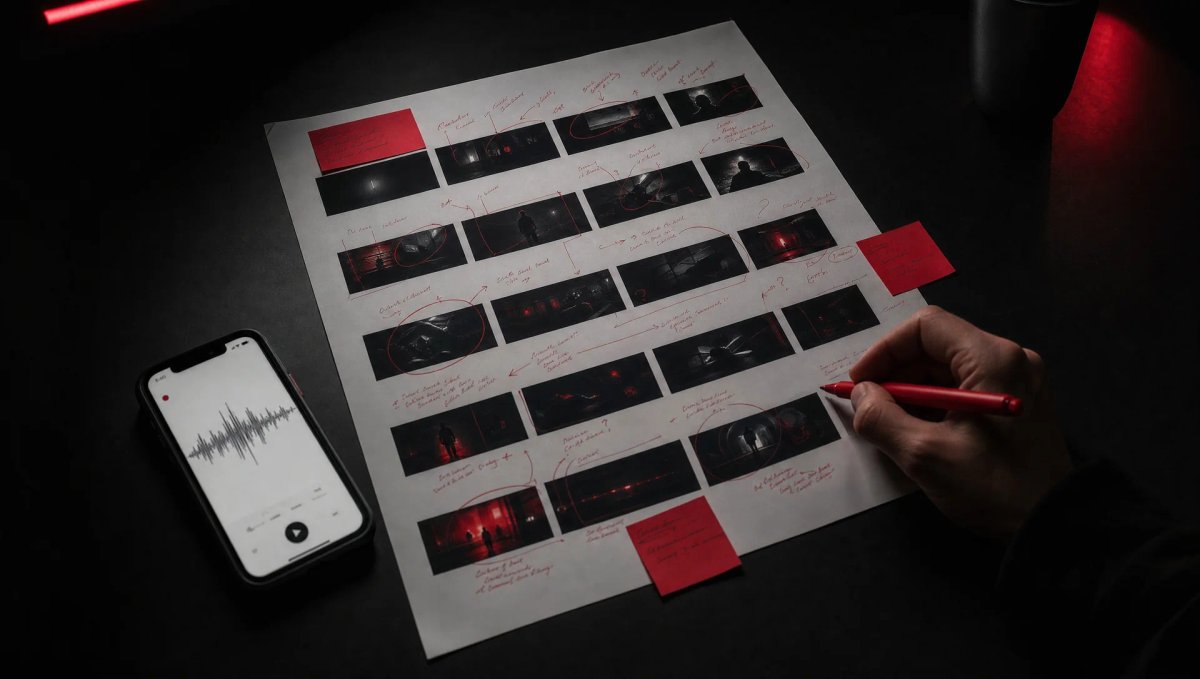
“I don’t like it”: turning vague client feedback into clear changes
“I don’t like it” doesn’t mean starting over. Ask what isn’t working and what the client expected, rephrase it, get it approved, then group every change in one message. Questions, templates and tools included.
Read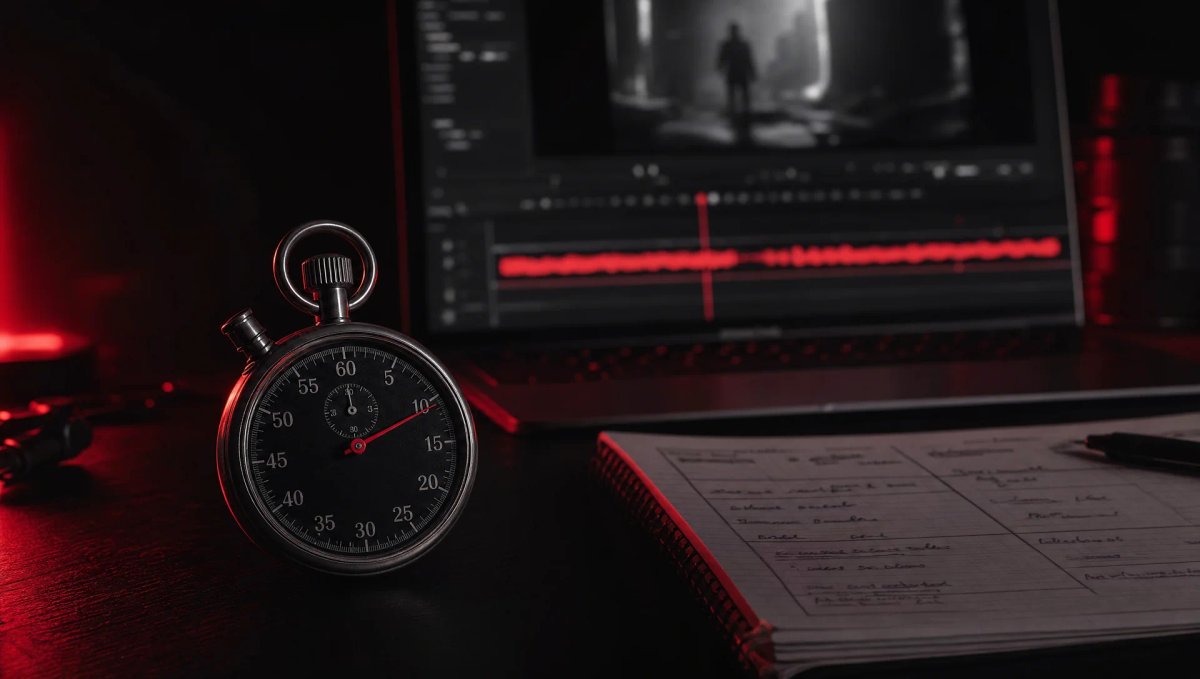
AI tools: how to know if one really saves you time
Knowing lots of tools changes nothing if your workflow stays the same. Start from a task you repeat, test one tool on a real project and measure the time up to the final file, correction included. The worksheet is in the article.
Read
Video editor: why someone else lands the clients you want
Clients don’t choose on editing quality alone: they choose the editor who helps them picture their project. Show a close example, explain your choices and propose a precise deliverable. A method, eight message templates and examples by business.
Read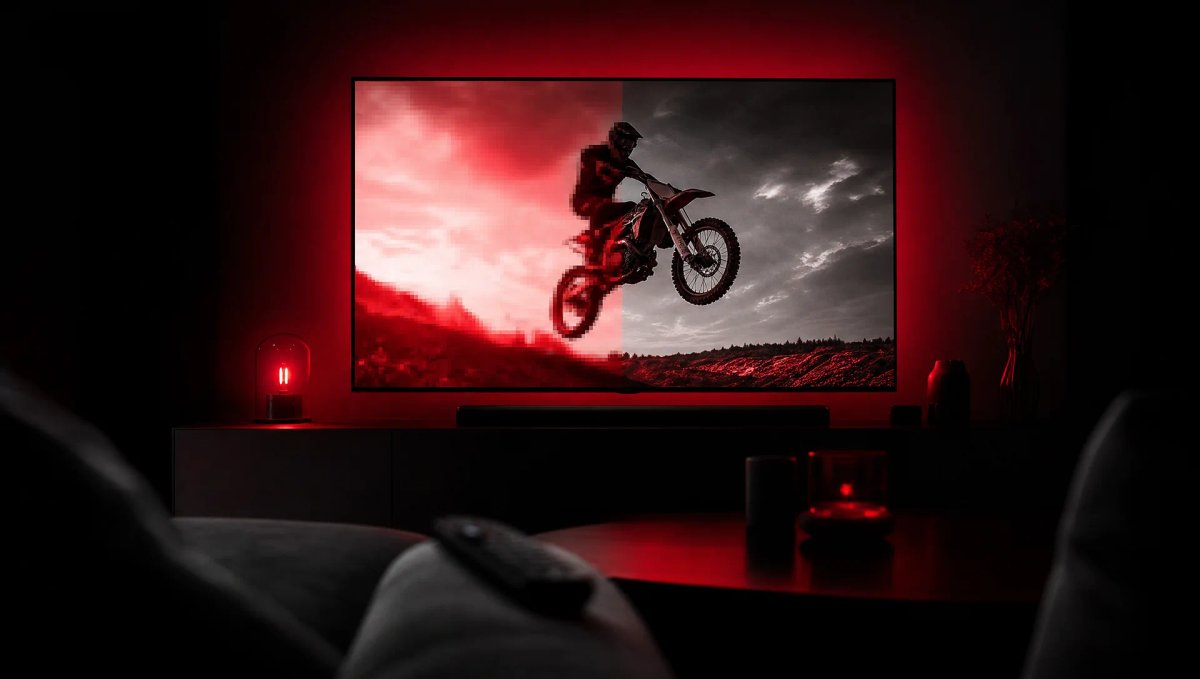
Adobe and Topaz Labs: upscaling a video is not enough
Taking an old video to 4K is not an export setting: more pixels do not mean more detail. Adobe completed its acquisition of Topaz Labs on 23 September 2026, Topaz keeps its standalone products, and not everything will be in your subscription.
Read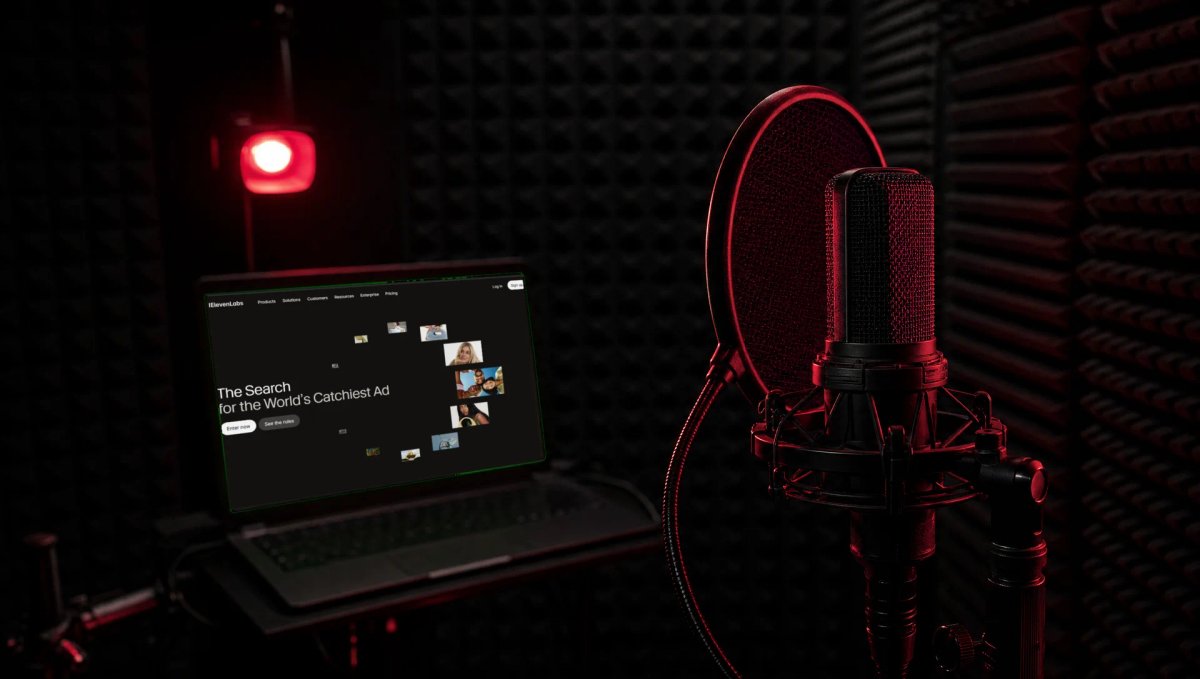
ElevenLabs The Search: an invented brand, $50,000 to win
The Search, the ElevenLabs contest, rewards the catchiest ad for an invented brand: 15 to 45 seconds, an original jingle made in ElevenCreative, $50,000 for first place. Entries close on Monday, November 2, 2026 at 8:59 am Morocco time.
Read
Higgsfield Academy: learn without burning all your credits
Higgsfield Academy offers a beginner course, AI Creation: First Steps, with no separate course fee: an introduction, seven lessons, PDFs and homework. But practice needs a subscription and credits, and some lessons stay locked until the required homework is submitted.
Read
J-cut and L-cut: the transition you are looking for is sound
A J-cut lets you hear the next shot before you see it; an L-cut keeps the sound of the previous shot when the picture changes. No visual effect: sound and picture simply don’t cut at the same moment.
Read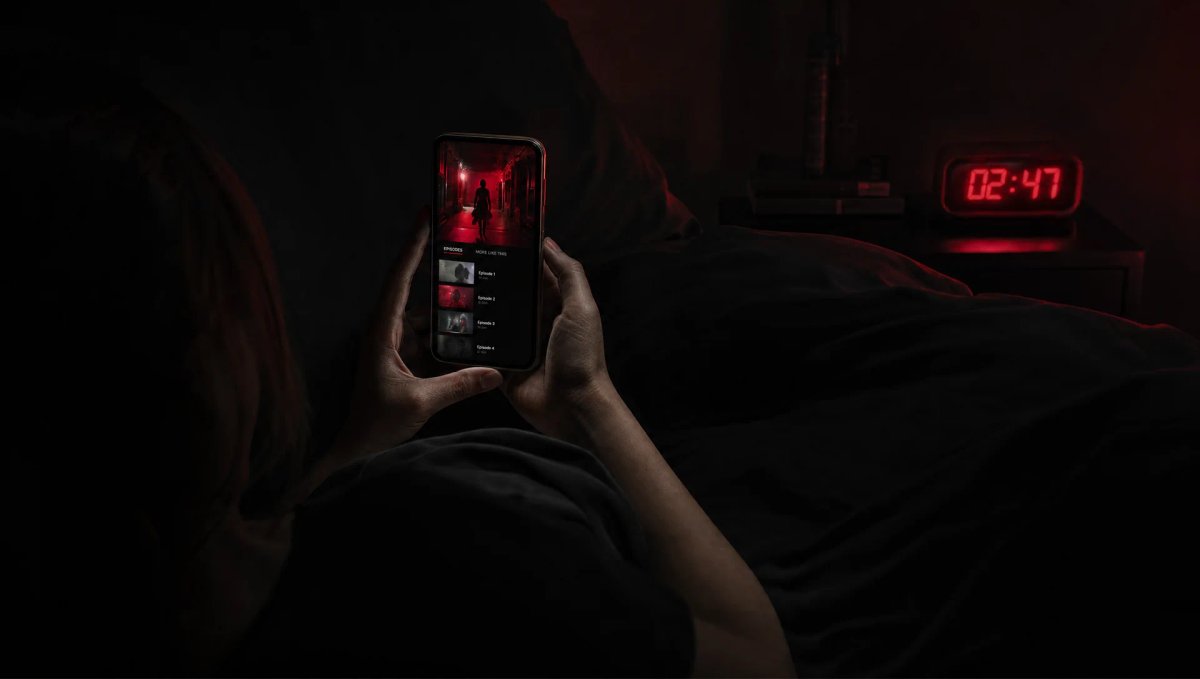
Microdramas: you opened one Short, now you’re on episode 7
Microdramas are stories told in short vertical episodes. According to YouTube, they passed 6.5 billion views on the platform in the first half of 2026. The key: every episode moves the story forward and gives a reason to watch the next one.
Read
Voice and music: mixing so every word stays clear
If your video is built on speech, the mix starts with the voice alone, then the music comes in underneath. I lower the music while someone talks, let it breathe in the pauses, and check on headphones as well as on a phone speaker.
Read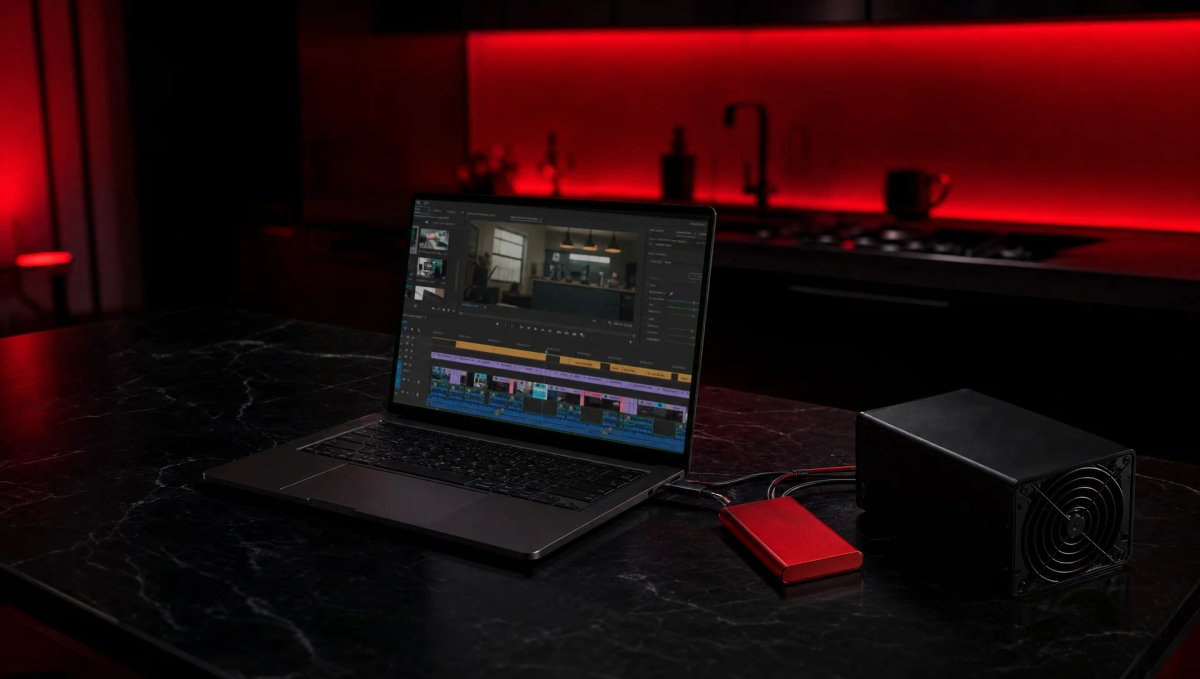
Lagging timeline: do you really need a new computer?
Before buying a new computer, try proxies: lightweight copies of your footage, linked to the originals. You edit smoothly, and by default the export uses the original files.
Read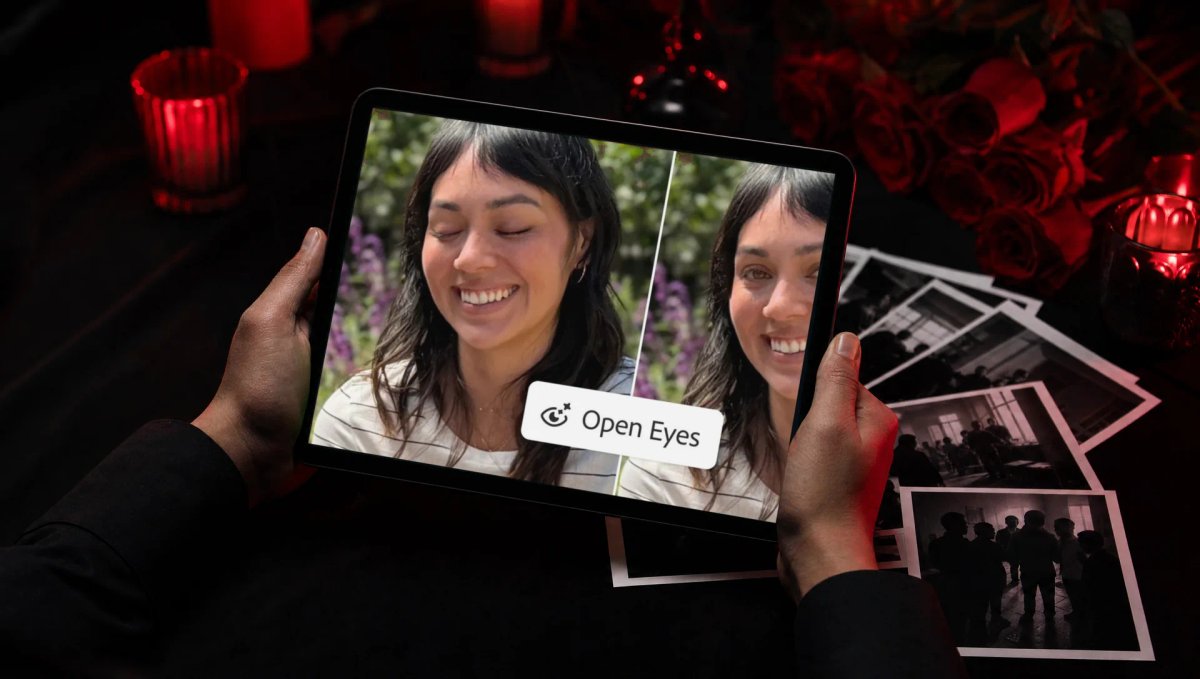
Closed eyes in a photo: can Lightroom really open them?
Adobe added Open Eyes to Lightroom on mobile: the app detects closed eyes and offers to open them with a generated fix. It is an invented correction, not the real moment recovered, so check the result before you post or deliver.
Read
Runway Ads: the client loves your ad and wants twenty versions
Runway Ads connects to your Meta, Google and TikTok ad accounts, reads how your ads perform and generates new variants that your team approves before they go live. It helps you produce and test faster, but it does not guarantee sales.
Read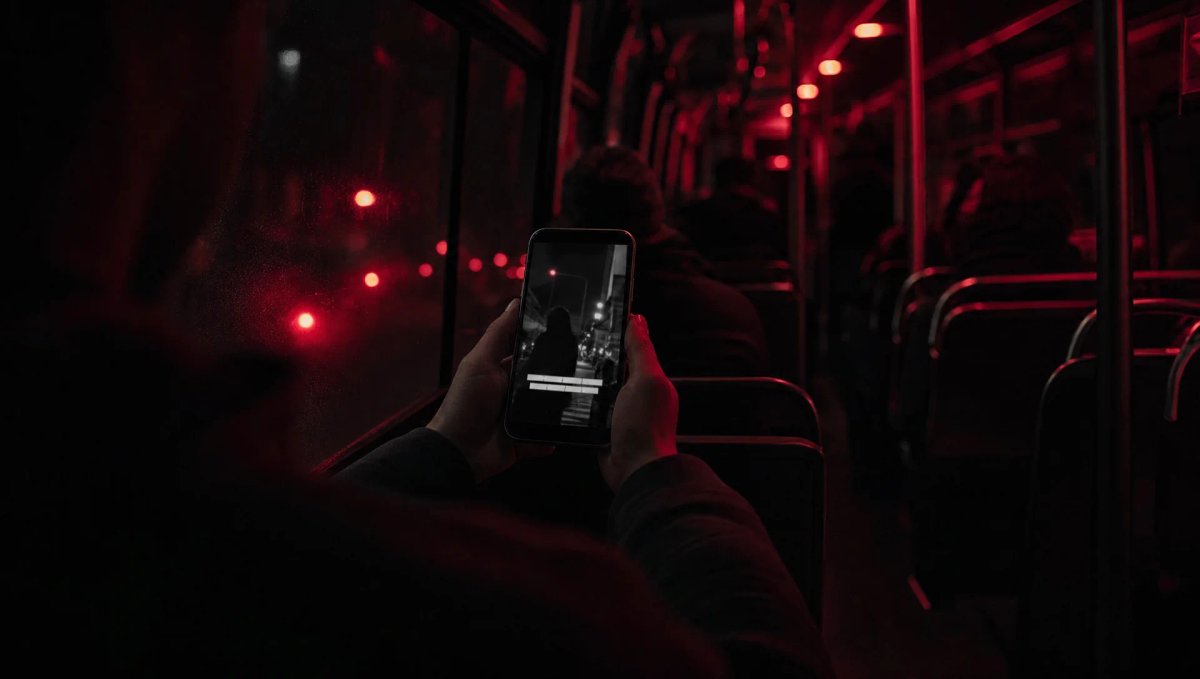
Readable subtitles: line breaks, timing and phone legibility
A readable subtitle is read at a glance, without pausing the video. To get there, I check three things: line breaks that follow the meaning, timing that matches the voice, and legibility on a real phone.
Read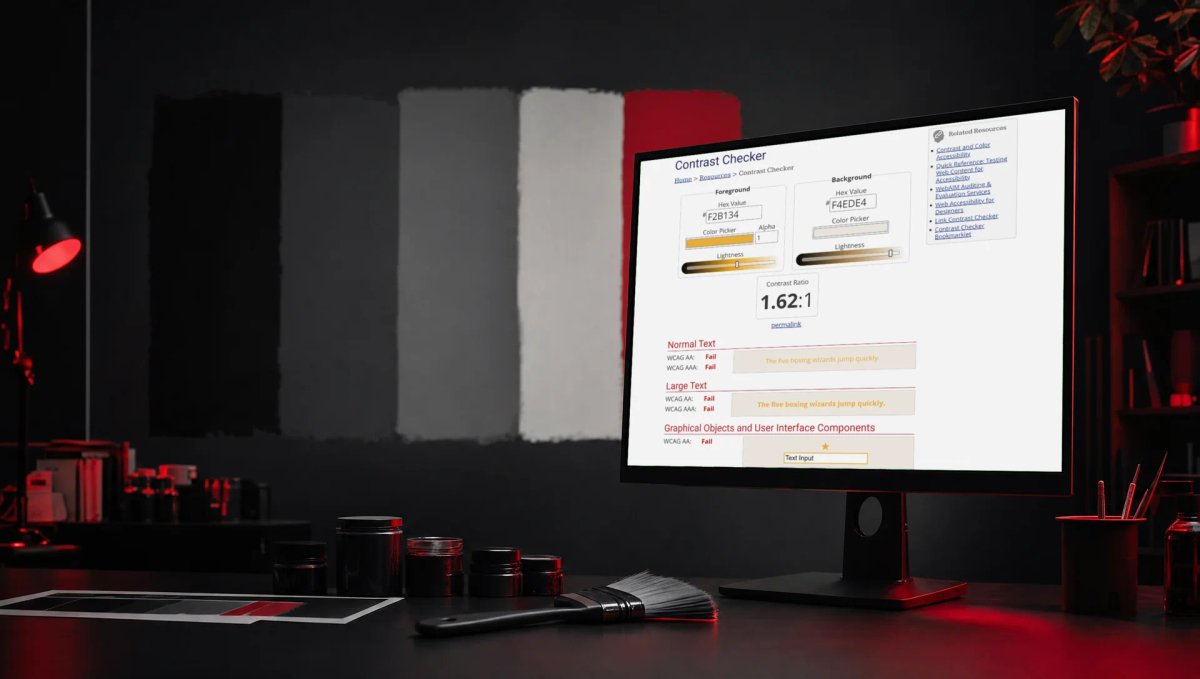
Palette or colour system: give every colour a role
A palette becomes a system when every colour has a role: the background, the text people must read, the accent that has to stand out. Then you check each colour’s contrast against the one behind it, on a real title, paragraph and button.
Read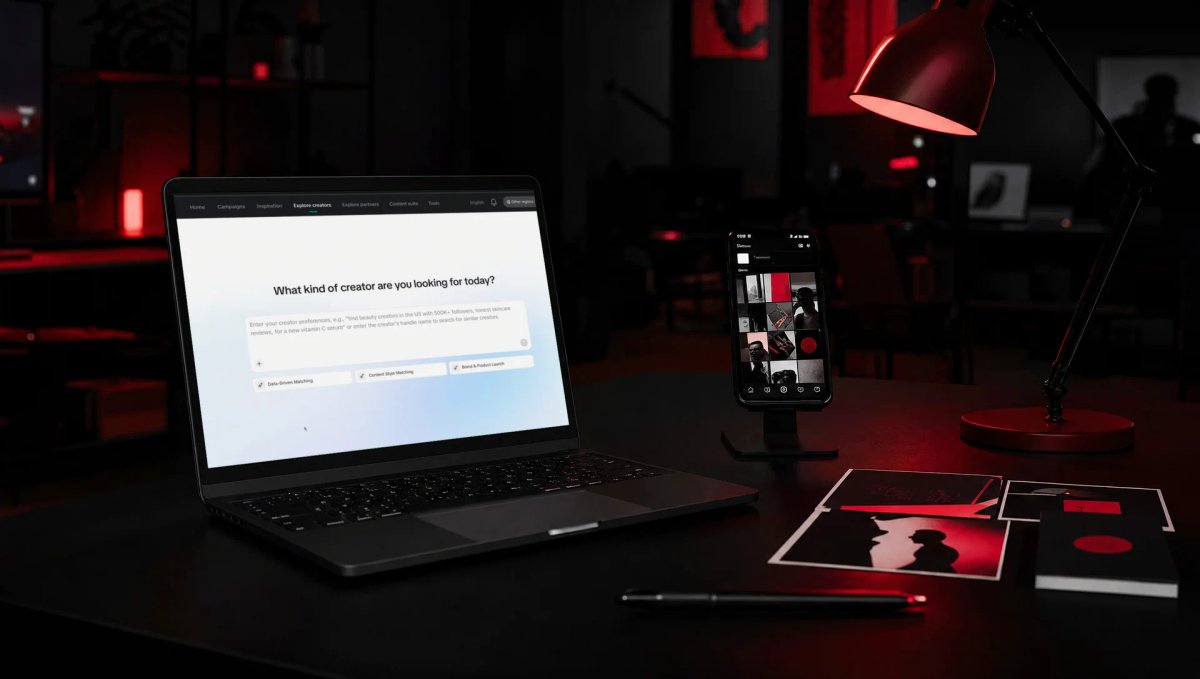
TikTok Creator AI Search: the AI that recommends creators
Creator AI Search, inside TikTok One, reads a campaign brief and gives the brand a list of matching creators. To make that list, your profile has to state clearly what you do and prove it with examples, not just show a follower count.
Read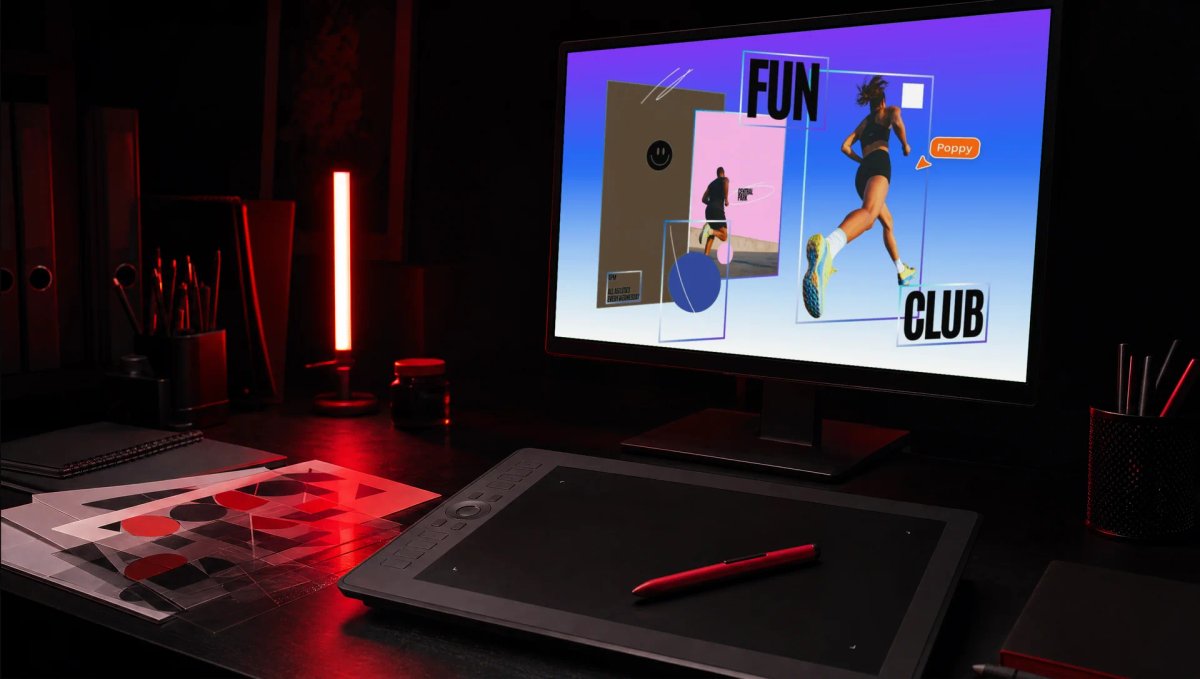
Canva Craft and Magic Layers: keeping an AI visual editable
A good-looking generated image is not enough when the client asks you to change one word. Canva Craft plans the composition before generating, and its images suit Magic Layers, which splits them into editable elements. Check texts and layers before you deliver.
Read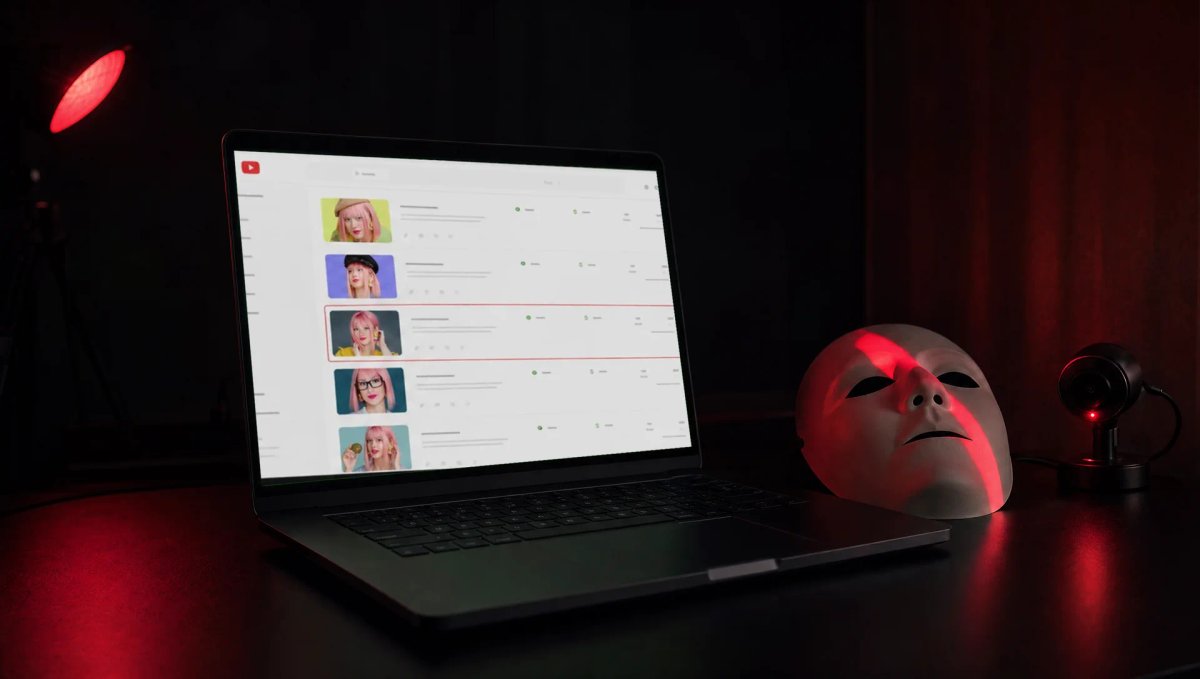
YouTube: someone can use your face without ever filming you
YouTube offers likeness detection: the tool finds videos where your face appears altered or generated, then lets you request their removal. Detection is not removal, and access depends on your country and account.
Read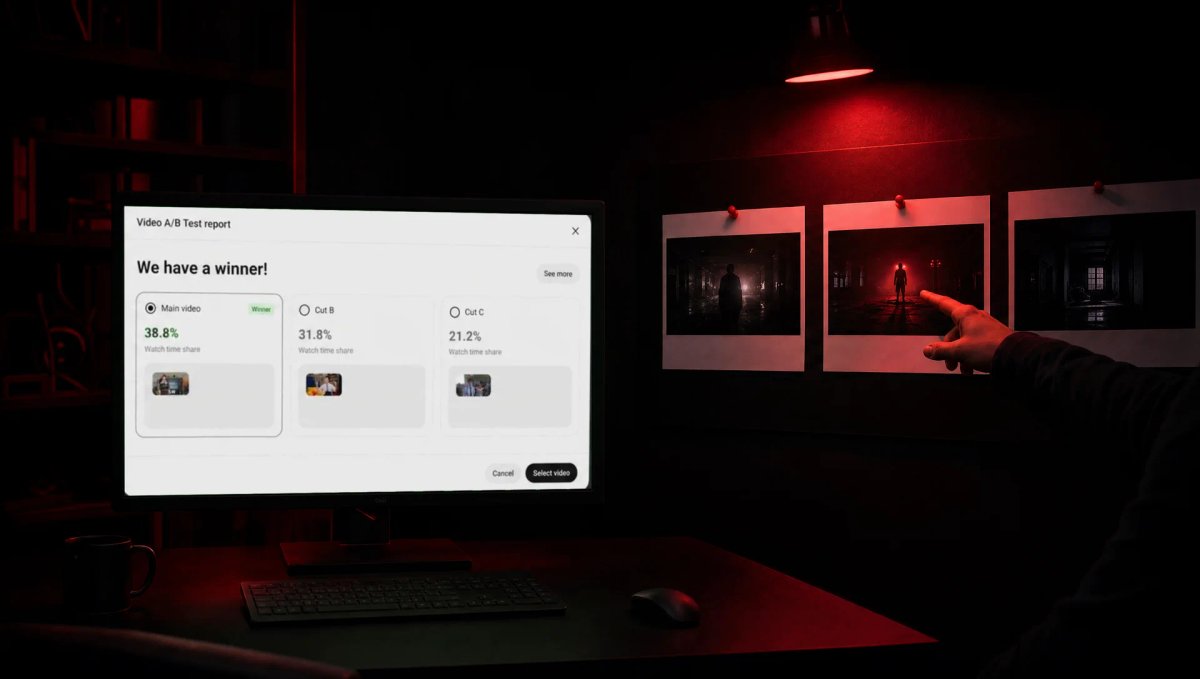
YouTube: your best hook may be the one you cut
YouTube announced A/B testing for the videos themselves: up to three cuts, to see which one holds the audience best. It is announced as “coming soon” and not open to everyone yet, but you can already prepare your hook tests.
Read
Is it still worth learning video editing and motion design with AI?
Yes. Generating a video is not the same as knowing how to build one. Learn the craft (getting an idea across, building rhythm, guiding attention) and learn to use AI at the same time. 77% of employers plan to upskill their staff in response to AI.
Read
Final Cut Pro and MotionVFX come together in Apple Creator Studio
Apple is building MotionVFX elements (titles, transitions, templates, tracking, rotoscoping) and a Content Hub of stock video into Final Cut Pro, at no extra cost for Apple Creator Studio subscribers. The update is announced for November 2026.
Read
Higgsfield Content Factory: one idea, a finished video?
Content Factory, launched by Higgsfield in October 2026, starts from a “What if” idea and produces a finished video: script, scenes, visuals, voiceover and edit, from 15 seconds to 5 minutes. The real test: how many fixes before you can publish.
Read
Instagram Features: horizontal videos up to 90 minutes long
Instagram is testing Features: horizontal videos up to 90 minutes, watched inside the app, with Reels that lead to the full video. The test is limited to selected creators in the United States and Brazil.
Read
Portfolio with no clients: fake briefs and free footage to start
No clients, so no portfolio? Start from a brief. Designers: FakeClients or Goodbrief invent a client for you. Editors: pick a sector, gather free footage from that sector and edit one idea. Sites, resources and method in this guide.
Read
Video sales letter (VSL): what it is and how to edit one
A video sales letter (VSL) is a sales video that walks viewers through an offer, step by step, to a single call to action. This guide covers when a VSL works, how to structure and edit it, how to host it on a landing page and how to brief an editor, without misleading claims.
Read
Video podcast editing: the complete workflow from recording to clips
Editing a video podcast follows a set order: sync cameras and mics, fix the audio first, cut for pacing, add graphics and captions, export for YouTube and Spotify, then pull vertical clips. Here is each step, with official platform specs and a reusable checklist.
Read
How to hire a freelance video editor (and write the brief)
Hiring a freelance video editor takes more than watching a showreel. This guide covers what to check in a portfolio, which questions to ask about turnaround, revision rounds, deliverables and usage rights, the red flags to watch for, and a brief template you can copy and paste.
Read
Reels, TikTok & Shorts video size, length and export settings
For Instagram Reels, TikTok and YouTube Shorts, the baseline is a 9:16 video at 1080 x 1920, encoded in H.264. But maximum length, frame rate, bitrate, cover size and ad specs differ by platform. Here are the official numbers, checked October 2026, plus the export settings that work.
Read
Captions for Reels, TikTok and Shorts: methods, style and Arabic
Auto captions, burned-in captions or an SRT file: how to caption a Reel, a TikTok or a Short, which tool to use, what size and where to place the text. Readability rules from Netflix’s style guide, Arabic and Darija specifics, and a checklist before you publish.
Read
Corporate video: types, ideal length and a structure that works
Brand film, company overview, customer testimonial, recruitment video: each type of corporate video has its own job, length and structure. This guide helps you pick the right type, set a realistic length, build the message and plan the production.
Read
Visual identity: logo, brand guidelines, brand book and deliverables
Logo, visual identity, brand guidelines and brand book are not the same thing. This guide explains the differences, lists the deliverables to ask a designer for, walks through the design process and shows how to carry your identity into your videos.
Read
How to find your editing style as a beginner: imitate, then evolve
If you’re starting out in video editing or graphic design, taking inspiration from other creators is normal: it’s how you learn. Here’s how to analyze references, practice with a simple routine, build a mini portfolio and move from imitation to your own style without plagiarizing.
Read
Free intro pack: 50+ video intros and how to use them
A free pack of 50+ video intros for Reels, TikTok, YouTube, podcasts and brand videos. Learn when to use an intro, how long it should run, which file format to pick and how to import it into Premiere Pro, DaVinci Resolve or CapCut.
Read
Free SFX pack for video editing: how to place and mix sound effects
A free pack of sound effects for your Reels, Shorts, ads and YouTube videos, with a practical guide: the SFX families to know, timing on the cut, mixing with voice and music, loudness basics and importing into Premiere Pro, DaVinci Resolve or CapCut.
Read
Free transitions pack: 100+ transition styles for video editing
A free pack of more than 100 transition styles for video editing, with a practical guide: when a hard cut works better, the main transition families, how to apply them in Premiere Pro, DaVinci Resolve and CapCut, plus timing, sound and vertical video.
Read
Visual hooks: 10 ideas to stop the scroll on Reels, TikTok and Shorts
A visual hook is the image or movement that opens your video and stops the thumb before a single word is heard. Here are 10 practical visual hook ideas for Reels, TikTok and Shorts, how to pick the right one, how to test it with your analytics, and 7 sites for inspiration.
Read
Will AI replace video editors? What it speeds up, what stays human
AI won’t replace video editors, but it does speed up transcription, captions, audio cleanup, silence removal and the first rough cut. Pacing, emotion and structure remain human calls. Here’s where AI helps at each editing stage, where it hurts, and which tools are worth knowing.
Read
AI tools for video editing and graphic design: the 15 worth knowing
Captions, silences, short-form clips, background removal, generated visuals: here are 15 AI tools for video editing and graphic design, grouped by use, from Premiere Pro, Descript and CapCut to Photoshop, Canva and Photoroom. What each one really does, what’s free, and how to choose.
Read
3 video editing inspiration websites for videomakers and editors
Vidclue for the idea and format, Cosmos for the visual world, Showreel.design for motion design: three free video editing inspiration websites, what each one gives you, how to use them on a real project, and a routine to turn what you find into a moodboard.
Read
Free stock footage sites for your video editing portfolio
No client work to show yet? Here are 10 free and paid stock footage sites, what each license actually allows, 3 mock projects to cut for your video editing portfolio, a licensing checklist, and how to caption Arabic or Darija videos with Clipchamp.
Read
Empire State AI trend: turn the flag into an ad visual
In early July 2026, a black banner unfurled atop the Empire State Building became a meme, and brands swapped its message for their own. Here’s how to use the trend with AI for your brand: a ready-to-use prompt, 3 images to download and the rules to follow.
Read
Video ad storytelling: why even a 15-second ad needs a story
Even a 15-second ad needs a story: it’s what keeps viewers watching and helps them remember the brand. Here’s the situation, conflict, solution structure, second-by-second outlines for 15- and 30-second ads, a worked example, common mistakes and a pre-publish checklist.
Read
Shooting for the edit: coverage, B-roll and the shots editors need
Shooting for the edit means giving your editor options: a master shot, several shot sizes, B-roll, inserts and reaction shots. Here are clear definitions, two real-world examples, a shot list method, an on-set checklist and the mistakes that make editing harder.
Read
Reels, TikTok and Shorts safe zones: where to put text and captions
The safe zone is the part of a 9:16 video that the Reels, TikTok and Shorts interface doesn’t cover. Here are each platform’s official dimensions, where to put text, captions, logos and CTAs, how to use an overlay in your editing software, and a checklist to run before you export.
Read
Invisible editing: 6 continuity techniques for seamless video
Invisible editing, also called continuity editing, hides the cuts so viewers stay inside the story. The 180- and 30-degree rules, cutting on action, eyeline matches, J-cuts and L-cuts: here’s how to apply them, the mistakes to avoid and a checklist to review your own edit.
Read
No article matches yet. Try another category or keyword.
Don’t miss
what’s next.
New articles, behind-the-scenes and methods: I share what I learn along the way, project after project.