Free stock footage sites for your video editing portfolio
No client work to show yet? Here are 10 free and paid stock footage sites, what each license actually allows, 3 mock projects to cut for your video editing portfolio, a licensing checklist, and how to caption Arabic or Darija videos with Clipchamp.

MoBenFreelance video creator
Contents
- Free, freemium or premium: what really changes
- 1. Free stock video sites
- 2. Premium and freemium sites: subscription or pay per clip
- How to turn stock footage into a real portfolio piece
- Licensing checklist before you show stock-based work to a client
- Clipchamp: automatic Arabic captions, and the reality for Darija
- Key takeaways
- FAQ
To build a video editing portfolio without client work, download footage from free stock footage sites (Pexels, Pixabay, Mixkit, Coverr, Vecteezy, Pond5 Free) and cut two or three focused mock projects. When you need very specific shots, or LOG files to show off your color grading, move to a subscription (Storyblocks, Artgrid, Motion Array, Envato Elements) or buy single clips (Pond5).
This guide covers what each license says (checked on the official sites in October 2026), a routine for turning stock clips into a real portfolio piece, a licensing checklist before you show stock-based work to a client, and Clipchamp for generating Arabic or Darija (Moroccan Arabic) captions.
A mock project isn’t meant to make anyone believe you worked for a brand. It shows your decisions as an editor: pacing, storytelling, captions, sound design, transitions, color grading and art direction.
Free, freemium or premium: what really changes
Price isn’t the only difference. For a portfolio, what matters is what the license requires (credit, publishing while subscribed, registering each project) and what it forbids.
- Free, no attribution required: Pexels, Pixabay, Coverr and Mixkit clips under its free license.
- Free, credit requested: Vecteezy’s Free License and Pond5’s free collection.
- Subscription: Storyblocks, Artgrid, Motion Array and Envato Elements. Projects finished and published while you’re subscribed stay covered, but you can’t use the files in new projects once you cancel.
- Pay per clip, credit packs or subscription: Pond5.
Watch the wording: “royalty-free” means you don’t pay a fee each time the video is shown, not that the clip has no owner. Licenses also change, so always check the license in force on the clip’s page when you download it.
1. Free stock video sites
Free libraries are more than enough to practice and build a first portfolio. Their limit: popular shots (office, coffee, city at night) appear in countless edits, so your shot selection and grading are what will set you apart.
Pexels Videos
Pexels offers free videos with plenty of lifestyle, nature, city and travel shots, including many vertical clips that work for Reels. Under the Pexels license, attribution isn’t required and you can modify the videos.
What’s not allowed: selling unaltered copies, showing identifiable people in an offensive way, implying that a person or brand in the footage endorses your product, and redistributing the videos on other stock platforms.
Pixabay Videos
Pixabay advertises more than 240,000 free clips shared by its community, in HD and 4K: nature, technology, backgrounds and abstract shots. Its Content License allows free use and modification with no attribution required.
The limits: no selling or distributing the file on its own, no misleading use, and no commercial use tied to goods or services when a recognizable brand or logo appears in the shot.
Mixkit
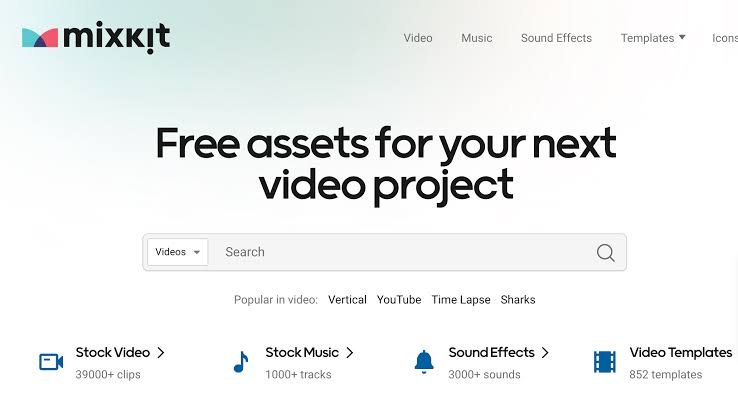
Mixkit, run by Envato, offers HD and 4K videos with no watermark and no sign-up, plus music, sound effects and templates for Premiere Pro, After Effects, Final Cut Pro and DaVinci Resolve.
The key point: Mixkit uses two video licenses. The Stock Video Free License allows commercial use (YouTube, social media, online ads) without attribution. The Stock Video Restricted License limits the clip to personal, non-commercial projects. Check the license shown on each clip before you use it.
Coverr
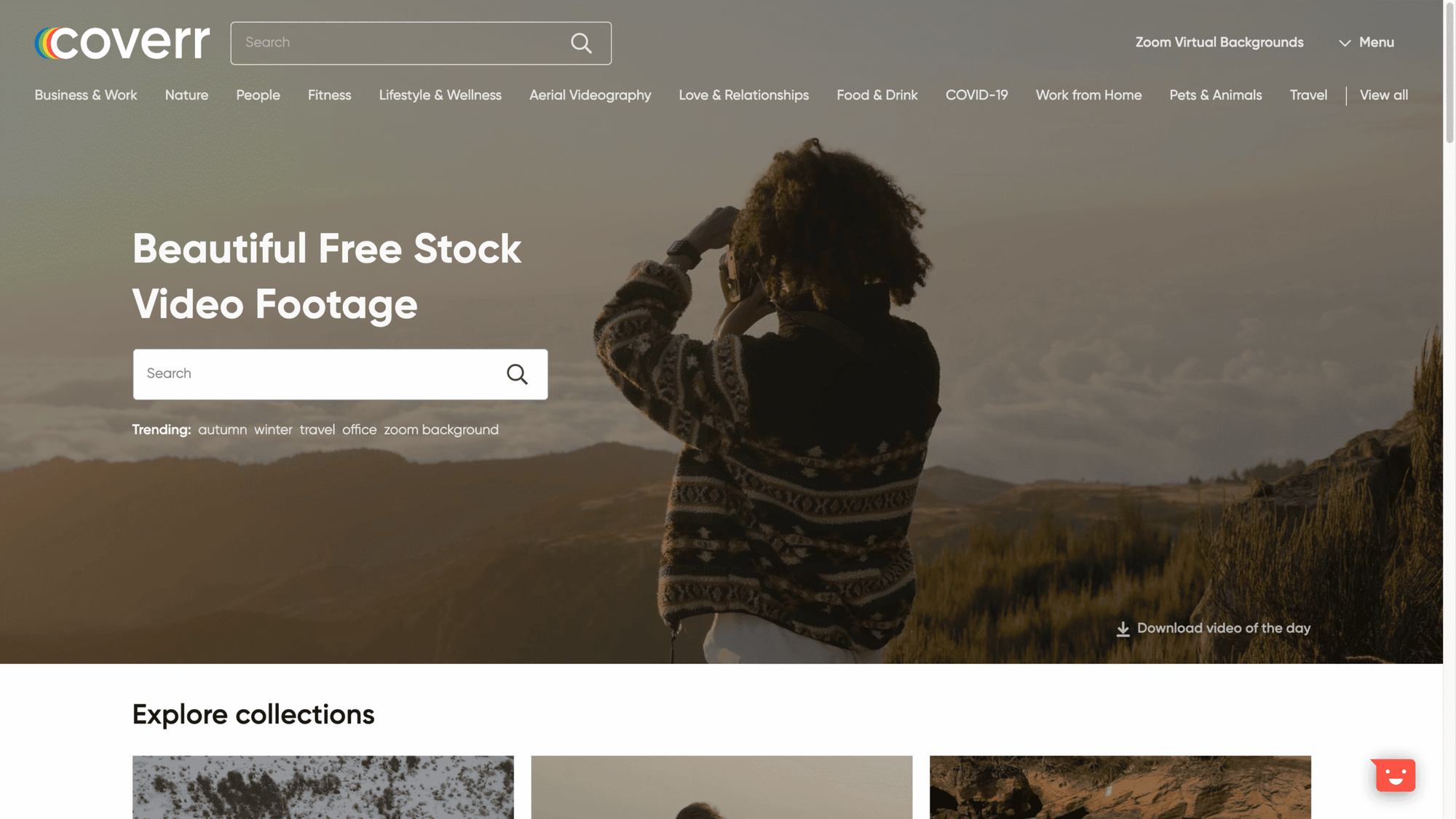
Coverr is a library of HD and 4K videos built for web, marketing and social media. According to its license, the videos are free for commercial and non-commercial use, with no attribution required. The site also sells a Coverr+ subscription and paid AI tools.
Good to know: Coverr doesn’t pass on model releases and holds no releases for brands, logos or recognizable places. It also forbids using its videos to train AI models.
Vecteezy Videos
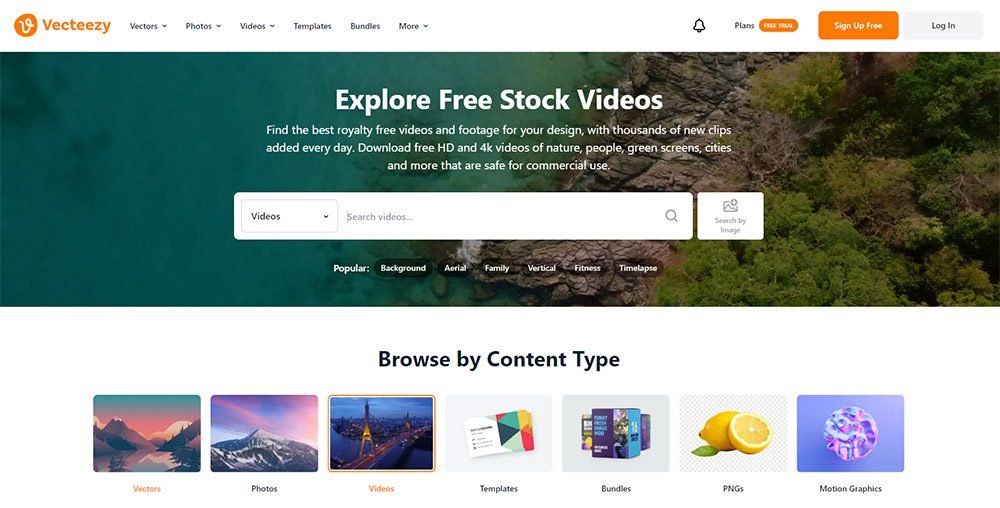
Vecteezy mixes free and Pro content: HD and 4K videos, green screens, aerials and motion graphics. It’s handy when you want to combine live-action footage and graphic elements in one project.
This is the big difference from Pexels: Vecteezy’s Free License requires attribution to the creator and limits video use to productions with budgets up to $1,000, according to its licensing agreement. If you can’t give credit, you need the Pro license.
Pond5 Free
Pond5’s free section gathers a selection of HD and 4K clips, photos, music and the Public Domain Project, a collection of historic videos and music in the public domain. It’s ideal for a documentary-style edit or an archive-look opening.
Pond5 allows commercial use of these files but asks you to credit the artists: each clip’s page shows the credit line to copy. Add it to your project description.
2. Premium and freemium sites: subscription or pay per clip
Paying makes sense when you need a very specific shot, a set of consistent shots (same actor, same location, same light) or LOG/RAW files to practice color grading. Read the license before you subscribe: it decides how long your project stays covered.
Storyblocks
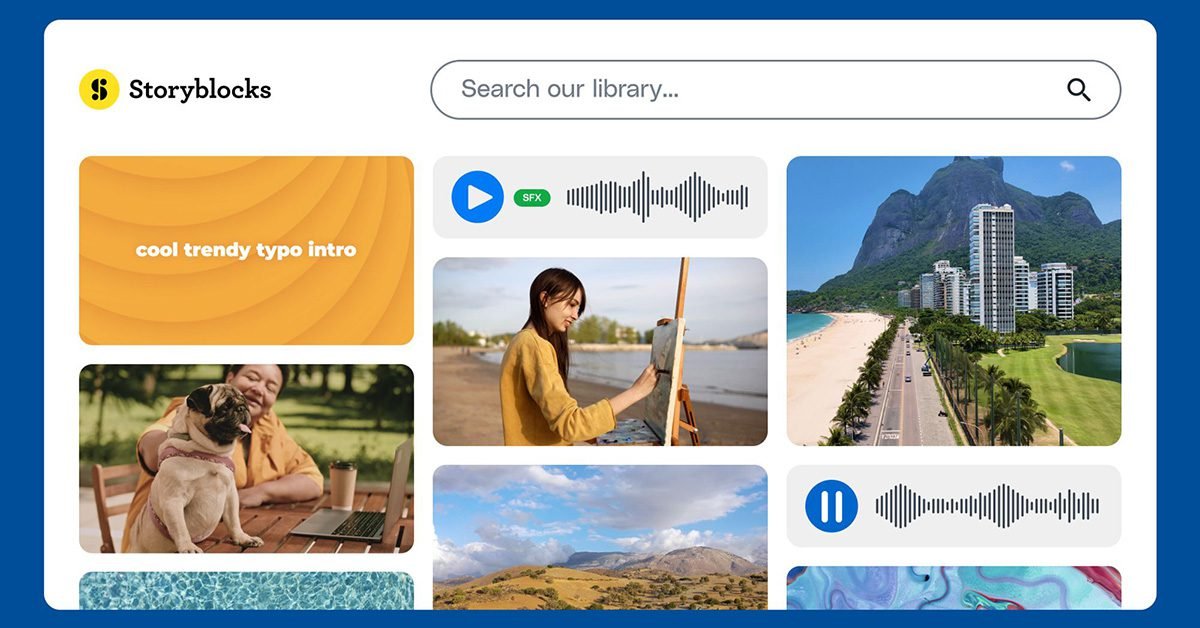
Storyblocks is a subscription library: stock footage, animated backgrounds, After Effects, Premiere Pro and DaVinci Resolve templates, music and sound effects. Its search filters separate commercial clips from editorial ones and show whether a model or property release exists.
Storyblocks offers three license tiers (Individual, Small Business, Business). With the Individual license, designed for freelancers, anything you create and publish during your membership stays covered indefinitely, but you can’t use the files in new projects after your subscription ends.
Artgrid
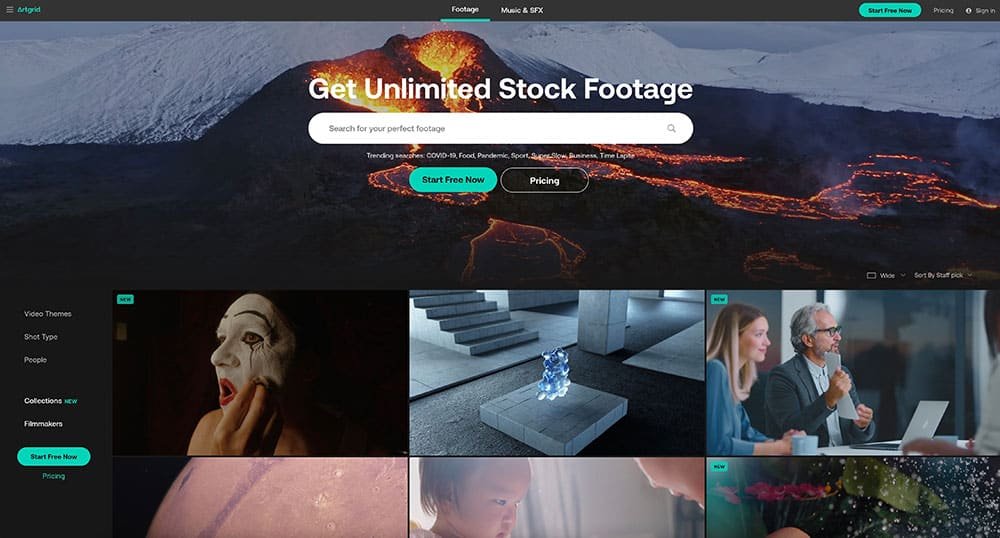
Artgrid, from Artlist, focuses on cinematic footage shot by filmmakers, which you can browse by filmmaker or by collection: useful for finding several shots that match. Plans include unlimited downloads and differ mainly in file quality: HD in H.264, 4K to 8K in ProRes or DNxHR, and RAW or LOG on the top plan, which is ideal for showing off your grading.
The Artgrid license also covers your clients, and projects published during your subscription can be used afterwards. A trial account, however, only gives you watermarked previews, which can’t be used in any project, not even a portfolio exercise.
Motion Array
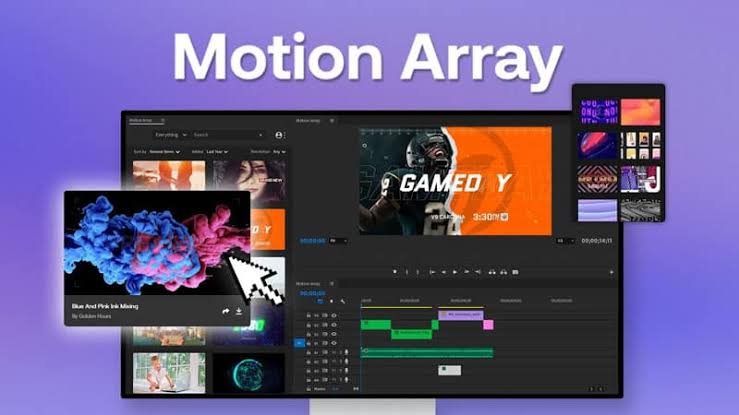
Motion Array is an all-in-one subscription platform: templates, presets, LUTs, stock footage, voice-overs, music, sound effects and plugins for Premiere Pro, After Effects, DaVinci Resolve and Final Cut Pro. It saves time on animated titles and transitions, but a portfolio built only on templates shows very little, so keep them for finishing touches.
According to its license page, projects you finish as a paid member stay covered forever. Some clips are labeled “Editorial Use Only” (people, places or brands without a commercial release), so avoid them in a mock ad.
Envato Elements
Envato Elements (now branded simply as Envato) is a subscription to videos, video templates, music, photos, fonts, graphics and AI tools. It’s the broadest library if you also do graphic design or social media visuals.
Its license works project by project: each download creates a license for one specific project, and you register a new one if you reuse the file elsewhere. The project must be completed while you’re subscribed; after that, the license lasts for the life of that project.
Pond5
Beyond its free section, Pond5 (part of Shutterstock) sells a huge library of HD and 4K videos, archival footage, music and sound effects. You can buy a single clip, get credit packs or subscribe: the options are listed on its pricing page.
It’s the right place for a very specific shot (historic archive, drone footage of a particular location, sports) when you don’t want a subscription. Avoid editorial clips in a mock ad: they’re meant for news and information use.
How to turn stock footage into a real portfolio piece
Downloading random shots won’t give you a portfolio. A client looking for professional video editing wants to see how you answer a brief: who it’s for, which platform, what message. Here’s the routine to follow for each project.
- Write a three-line brief: fictional brand, audience, platform, length, key message.
- Pick 15 to 25 consistent shots (same light, same palette, ideally the same actor or location). Sticking to one collection or one filmmaker helps a lot.
- Build the structure before you edit: hook, development, proof, call to action.
- Cut to the music, then work on sound (sound effects, ambience, voice-over) and color grading to unify shots filmed by different people.
- Export in the right format (16:9, 9:16 or 1:1) and make sure your text stays inside the safe zone for Reels, TikTok and Shorts.
- Present the project honestly: “mock project”, what you did (editing, sound, grading, motion) and the footage credits.
3 mock project ideas to edit
A 30-second spec ad for a made-up coffee brand. Shots of beans, a barista, a cup and a city waking up. You show pacing locked to the music, a clean final packshot and a simple animated title. Pexels and Coverr have plenty of this kind of footage.
A 20-second vertical Reel for a gym. 9:16 clips, a visual hook in the first second, dynamic captions and sound effects on every cut. For the sound layer, you can start from a free SFX pack.
A 60- to 90-second brand film with voice-over. For example for a travel agency or a clothing brand: voice-over, B-roll, music and a grade that unifies footage from different sources. Add French and Arabic captions to show you can handle bilingual content.
Other ideas: a food edit for a restaurant, a corporate video, a mini VSL or a captioned podcast clip. Early on, recreating the pacing of an ad you admire is a great exercise, as explained in the article on starting out in video editing and finding your style. For references to study, browse these inspiration sites for videomakers and video editors.
Licensing checklist before you show stock-based work to a client
- Keep a record of every clip: link, creator’s name, download date and a screenshot of the license shown that day.
- Check each clip’s license type: free or restricted (Mixkit), commercial or “editorial use only” (Storyblocks, Motion Array, Pond5).
- Give credit when it’s required (Vecteezy Free, Pond5 Free) and, for transparency, list your sources in the description even when it isn’t.
- Label the piece clearly as a “mock project” and invent the brand: no real company logo without its permission.
- Avoid shots where a recognizable logo or brand is the focus, and never show a filmed person in a demeaning context.
- With a subscription, publish your project while it’s active, register one license per project on Envato Elements, and never use a watermarked preview.
- Check the music license separately: a track can trigger a Content ID claim on YouTube even when the video clip is properly licensed.
- If a client wants to reuse your mock edit for real marketing, reread the license: some cover the end client (Artgrid, Envato under conditions), others require a new license.
Clipchamp: automatic Arabic captions, and the reality for Darija
Once your portfolio is up, a lot of projects in Morocco involve interviews, podcasts or talking-head videos in Arabic or Darija. Clipchamp, Microsoft’s video editor, runs in the browser or through its Windows app on the Microsoft Store, and Clipchamp says its autocaptions feature is free for all users.
What the autocaptions feature does
- You choose the transcription language (and, if you like, the profanity filter), then Clipchamp generates the captions.
- You get an editable, timestamped transcript where you fix misrecognized words.
- You adjust the caption style (font, color, position, outline, shadow).
- You download the captions as an .SRT file you can reuse in Premiere Pro, DaVinci Resolve or on YouTube.
One important limit, stated in Clipchamp’s official help: transcription works in one language per video, and the AI interprets all the audio as the language you chose.
Which Arabic variants are supported?
Clipchamp’s help links to the Azure speech-to-text language list, the service that produces the transcripts. That list includes 18 country variants of Arabic, among them Arabic (Morocco), Arabic (Algeria), Arabic (Tunisia), Arabic (Egypt), Arabic (Saudi Arabia) and Arabic (United Arab Emirates).
Darija isn’t listed as a separate language, and Microsoft doesn’t say how Arabic (Morocco) handles dialectal speech. Pick that variant if it appears in Clipchamp’s menu, but treat the result as a first draft.
Darija: the method that saves time
- Clean up the audio: mic close to the mouth, no music under the voice during transcription.
- Test one minute first to judge the quality before running the whole interview.
- Plan to fix French words and local expressions by hand, since only one language is analyzed.
- Correct the transcript, export the .SRT, then proofread the captions in real-time playback before the final export.
Even imperfect, this first draft saves you typing everything by hand and speeds up cutting an interview into short clips for Reels, TikTok or Shorts.
To caption your portfolio videos for social media, the guide to captions for Reels, TikTok and Shorts compares automatic captions, burned-in captions and SRT files, Arabic included.
Key takeaways
- Pexels, Pixabay, Coverr and Mixkit clips under its free license need no attribution; Vecteezy Free and Pond5 Free ask for credit.
- With Storyblocks, Artgrid, Motion Array and Envato Elements, finish and publish your projects while your subscription is active.
- A strong mock project starts from a precise brief and consistent shots, not a pile of pretty clips.
- Note the source and license of every clip: licenses change and a client may ask for them.
- Clipchamp generates free Arabic captions, with an Arabic (Morocco) variant, but Darija and code-switching with French need manual proofreading.
FAQ
Can you use stock footage in a video editing portfolio?
Yes, as long as the license allows that kind of use and you present the piece as a mock project. A client judges your editing, not your camera: pacing, structure, sound and grading. Say where the footage comes from, give credit when the license requires it, and add a project you shot yourself as soon as you can to show your camera work too.
Does royalty-free mean you can do anything with a video?
No. “Royalty-free” means you don’t pay a fee each time the video is shown. The creator keeps the copyright and the license sets limits: no reselling the file on its own, no recognizable logos in an ad, credit sometimes required, editorial-only use for some clips. Read the platform’s license and the label shown on the clip.
Which free stock footage site is best for a first editing portfolio?
Start with Pexels and Coverr: simple licenses, no attribution required, lots of lifestyle and vertical footage. Add Pixabay for nature and backgrounds, and Mixkit after checking the clip is under the free license. Keep Vecteezy and Pond5 Free for shots you can’t find elsewhere, and remember to credit them.
Does Clipchamp recognize Moroccan Darija?
Not as a separate language. The language list Clipchamp links to includes Arabic (Morocco) among 18 Arabic variants, but there is no “Darija” entry. Transcription works in one language per video, so French or strongly dialectal passages will often be misrecognized. Use the result as a draft and correct it before exporting the .SRT file.
Go further