

 Featured · Editing
Journal · video, editing, storytelling
Behindthe images.
The blog of MoBen, a freelance video creator in Morocco: practical methods on video production, editing, storytelling and short-form video (Reels, TikTok, Shorts) for brands and businesses.
MoBenFreelance video creator
Featured · Editing
22 articles
Video sales letter (VSL): what it is and how to edit one
A video sales letter (VSL) is a sales video that walks viewers through an offer, step by step, to a single call to action. This guide covers when a VSL works, how to structure and edit it, how to host it on a landing page and how to brief an editor, without misleading claims.
Read
Video podcast editing: the complete workflow from recording to clips
Editing a video podcast follows a set order: sync cameras and mics, fix the audio first, cut for pacing, add graphics and captions, export for YouTube and Spotify, then pull vertical clips. Here is each step, with official platform specs and a reusable checklist.
Read
How to hire a freelance video editor (and write the brief)
Hiring a freelance video editor takes more than watching a showreel. This guide covers what to check in a portfolio, which questions to ask about turnaround, revision rounds, deliverables and usage rights, the red flags to watch for, and a brief template you can copy and paste.
Read
Reels, TikTok & Shorts video size, length and export settings
For Instagram Reels, TikTok and YouTube Shorts, the baseline is a 9:16 video at 1080 x 1920, encoded in H.264. But maximum length, frame rate, bitrate, cover size and ad specs differ by platform. Here are the official numbers, checked October 2026, plus the export settings that work.
Read
Captions for Reels, TikTok and Shorts: methods, style and Arabic
Auto captions, burned-in captions or an SRT file: how to caption a Reel, a TikTok or a Short, which tool to use, what size and where to place the text. Readability rules from Netflix’s style guide, Arabic and Darija specifics, and a checklist before you publish.
Read
Corporate video: types, ideal length and a structure that works
Brand film, company overview, customer testimonial, recruitment video: each type of corporate video has its own job, length and structure. This guide helps you pick the right type, set a realistic length, build the message and plan the production.
Read
Visual identity: logo, brand guidelines, brand book and deliverables
Logo, visual identity, brand guidelines and brand book are not the same thing. This guide explains the differences, lists the deliverables to ask a designer for, walks through the design process and shows how to carry your identity into your videos.
Read
How to find your editing style as a beginner: imitate, then evolve
If you’re starting out in video editing or graphic design, taking inspiration from other creators is normal: it’s how you learn. Here’s how to analyze references, practice with a simple routine, build a mini portfolio and move from imitation to your own style without plagiarizing.
Read
Free intro pack: 50+ video intros and how to use them
A free pack of 50+ video intros for Reels, TikTok, YouTube, podcasts and brand videos. Learn when to use an intro, how long it should run, which file format to pick and how to import it into Premiere Pro, DaVinci Resolve or CapCut.
Read
Free SFX pack for video editing: how to place and mix sound effects
A free pack of sound effects for your Reels, Shorts, ads and YouTube videos, with a practical guide: the SFX families to know, timing on the cut, mixing with voice and music, loudness basics and importing into Premiere Pro, DaVinci Resolve or CapCut.
Read
Free transitions pack: 100+ transition styles for video editing
A free pack of more than 100 transition styles for video editing, with a practical guide: when a hard cut works better, the main transition families, how to apply them in Premiere Pro, DaVinci Resolve and CapCut, plus timing, sound and vertical video.
Read
Visual hooks: 10 ideas to stop the scroll on Reels, TikTok and Shorts
A visual hook is the image or movement that opens your video and stops the thumb before a single word is heard. Here are 10 practical visual hook ideas for Reels, TikTok and Shorts, how to pick the right one, how to test it with your analytics, and 7 sites for inspiration.
Read
Will AI replace video editors? What it speeds up, what stays human
AI won’t replace video editors, but it does speed up transcription, captions, audio cleanup, silence removal and the first rough cut. Pacing, emotion and structure remain human calls. Here’s where AI helps at each editing stage, where it hurts, and which tools are worth knowing.
Read
AI tools for video editing and graphic design: the 15 worth knowing
Captions, silences, short-form clips, background removal, generated visuals: here are 15 AI tools for video editing and graphic design, grouped by use, from Premiere Pro, Descript and CapCut to Photoshop, Canva and Photoroom. What each one really does, what’s free, and how to choose.
Read
3 video editing inspiration websites for videomakers and editors
Vidclue for the idea and format, Cosmos for the visual world, Showreel.design for motion design: three free video editing inspiration websites, what each one gives you, how to use them on a real project, and a routine to turn what you find into a moodboard.
Read
Free stock footage sites for your video editing portfolio
No client work to show yet? Here are 10 free and paid stock footage sites, what each license actually allows, 3 mock projects to cut for your video editing portfolio, a licensing checklist, and how to caption Arabic or Darija videos with Clipchamp.
Read
Empire State AI trend: turn the flag into an ad visual
In early July 2026, a black banner unfurled atop the Empire State Building became a meme, and brands swapped its message for their own. Here’s how to use the trend with AI for your brand: a ready-to-use prompt, 3 images to download and the rules to follow.
Read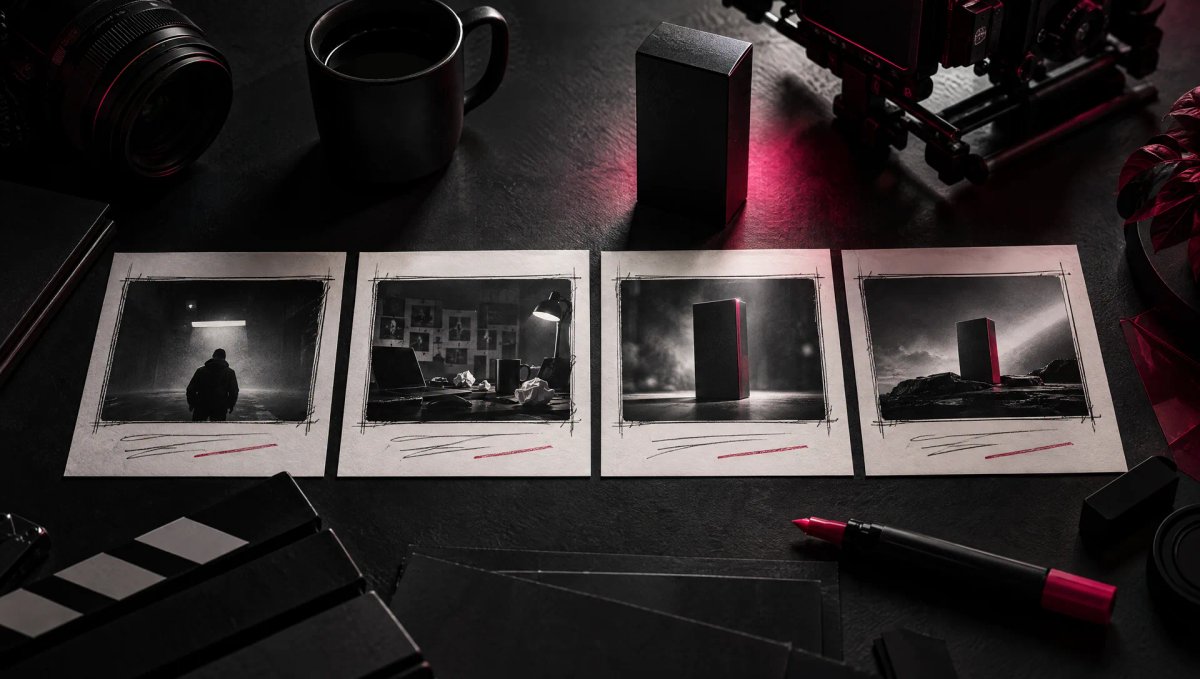
Video ad storytelling: why even a 15-second ad needs a story
Even a 15-second ad needs a story: it’s what keeps viewers watching and helps them remember the brand. Here’s the situation, conflict, solution structure, second-by-second outlines for 15- and 30-second ads, a worked example, common mistakes and a pre-publish checklist.
Read
Shooting for the edit: coverage, B-roll and the shots editors need
Shooting for the edit means giving your editor options: a master shot, several shot sizes, B-roll, inserts and reaction shots. Here are clear definitions, two real-world examples, a shot list method, an on-set checklist and the mistakes that make editing harder.
Read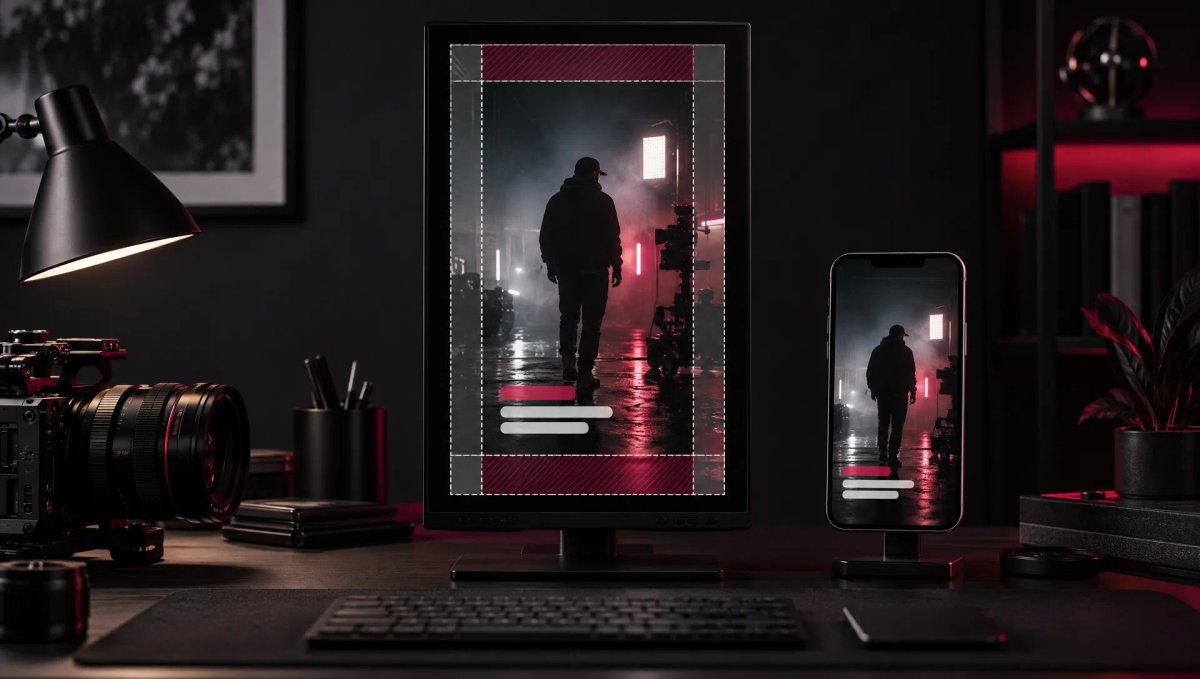
Reels, TikTok and Shorts safe zones: where to put text and captions
The safe zone is the part of a 9:16 video that the Reels, TikTok and Shorts interface doesn’t cover. Here are each platform’s official dimensions, where to put text, captions, logos and CTAs, how to use an overlay in your editing software, and a checklist to run before you export.
Read
Invisible editing: 6 continuity techniques for seamless video
Invisible editing, also called continuity editing, hides the cuts so viewers stay inside the story. The 180- and 30-degree rules, cutting on action, eyeline matches, J-cuts and L-cuts: here’s how to apply them, the mistakes to avoid and a checklist to review your own edit.
Read
No article matches yet. Try another category or keyword.
Don’t miss
what’s next.
New articles, behind-the-scenes and methods: I share what I learn along the way, project after project.